Only use trusted sites for QR codes
Background
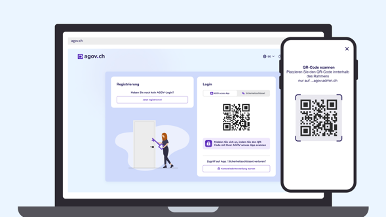
IIf you access a legitimate e-government application from the federal government or the cantons (e.g. https://mein.ar.ch), the login will always direct you to the official AGOV login page.
The address must be correct. Please also refer to the section «How you can protect yourself» further down on this page.
If you open a fake eGovernment application, this can take you to a fake AGOV login page. You must NOT scan the QR code there. This will block the fraud attempt at an early stage.
Fake eGovernment applications are usually accessed via phishing emails. For this reason, you should only click on links in emails that are trustworthy. Trustworthy means that you know the sender, although this can also be faked. Most importantly, you should be able to recognise why you have received the email.
Any email can be a phishing email. As many phishing emails are now written by AI, recognising them due to poor or incorrect language is no longer a reliable option.
For this reason, it is always better to type the internet address of the desired eGovernment application into your internet browser's address bar yourself, or to access it via your bookmarks. Use the address you know is correct.
How you can protect yourself
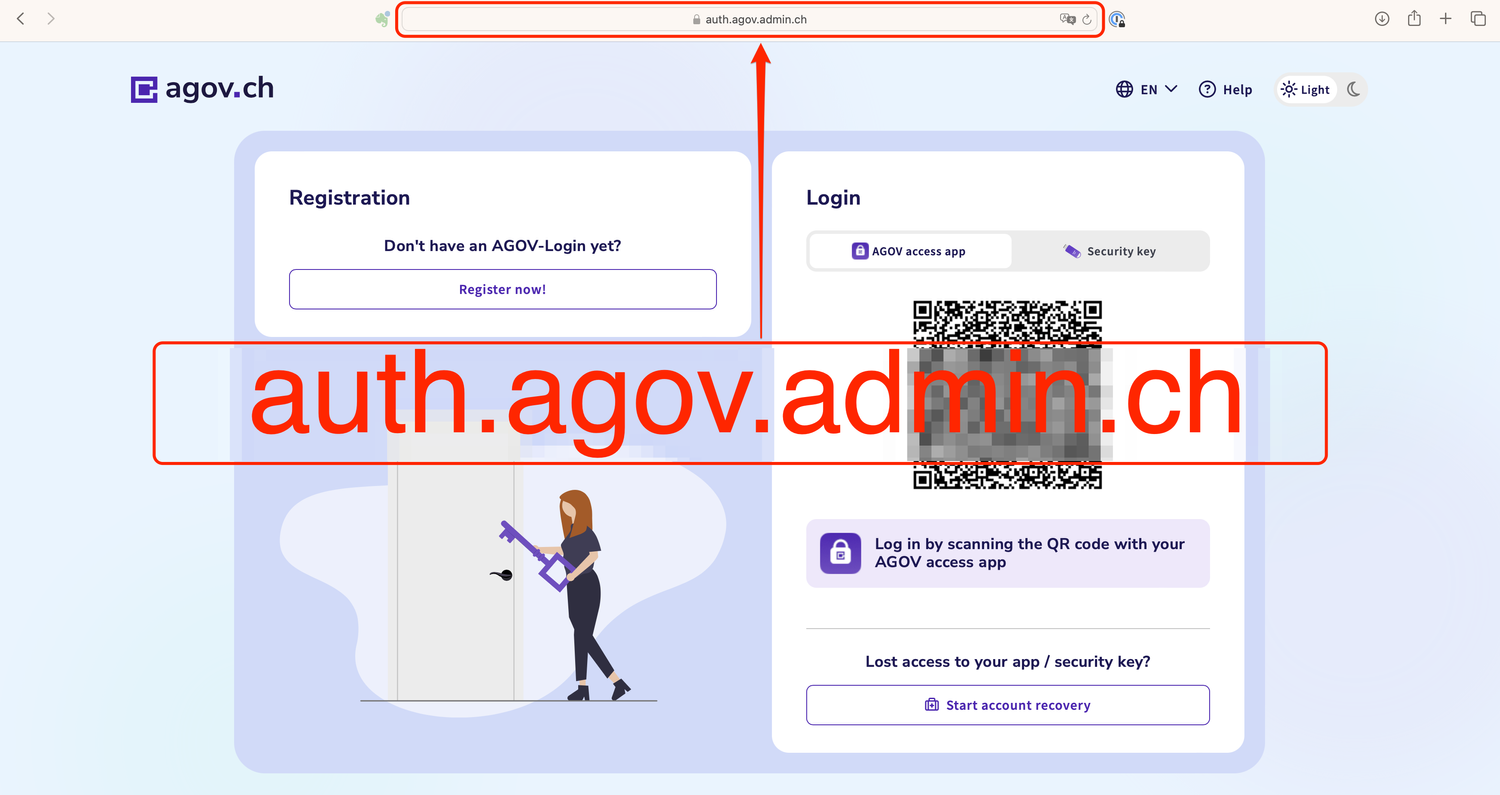
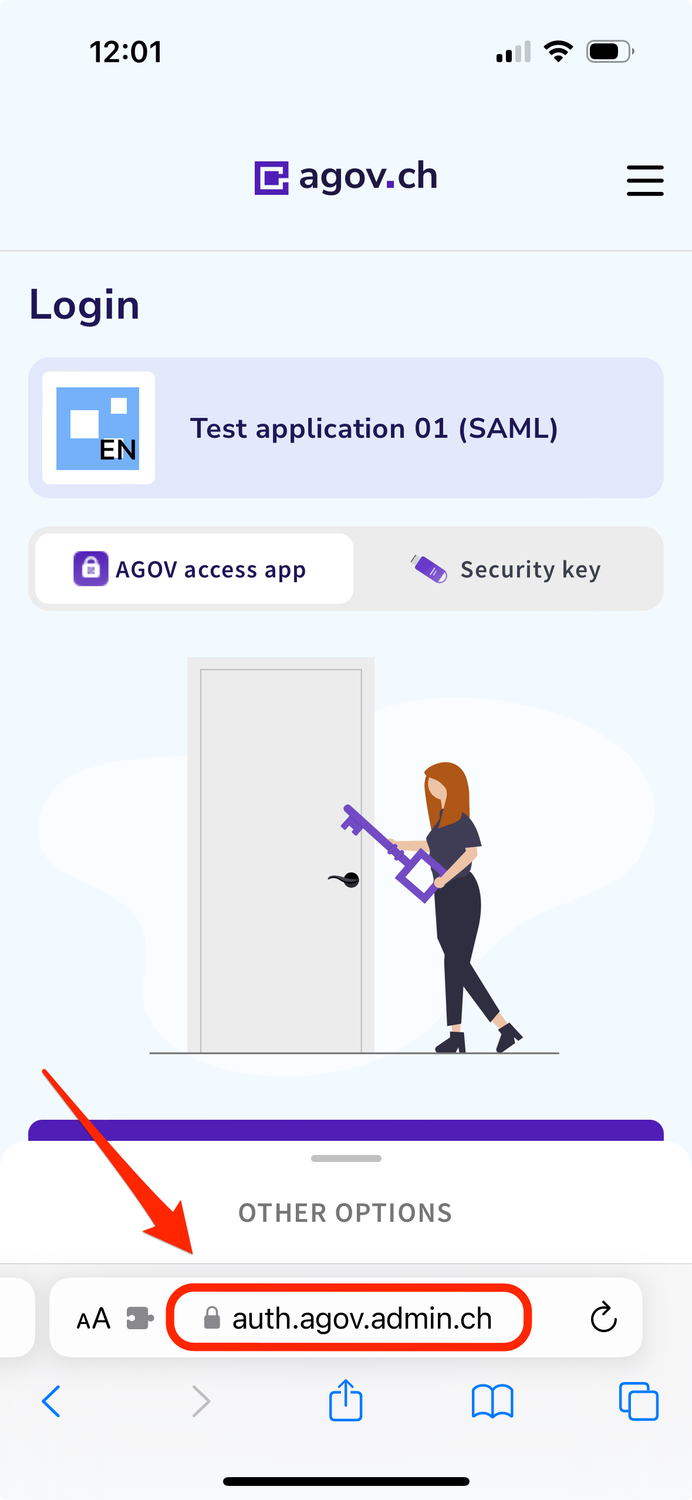
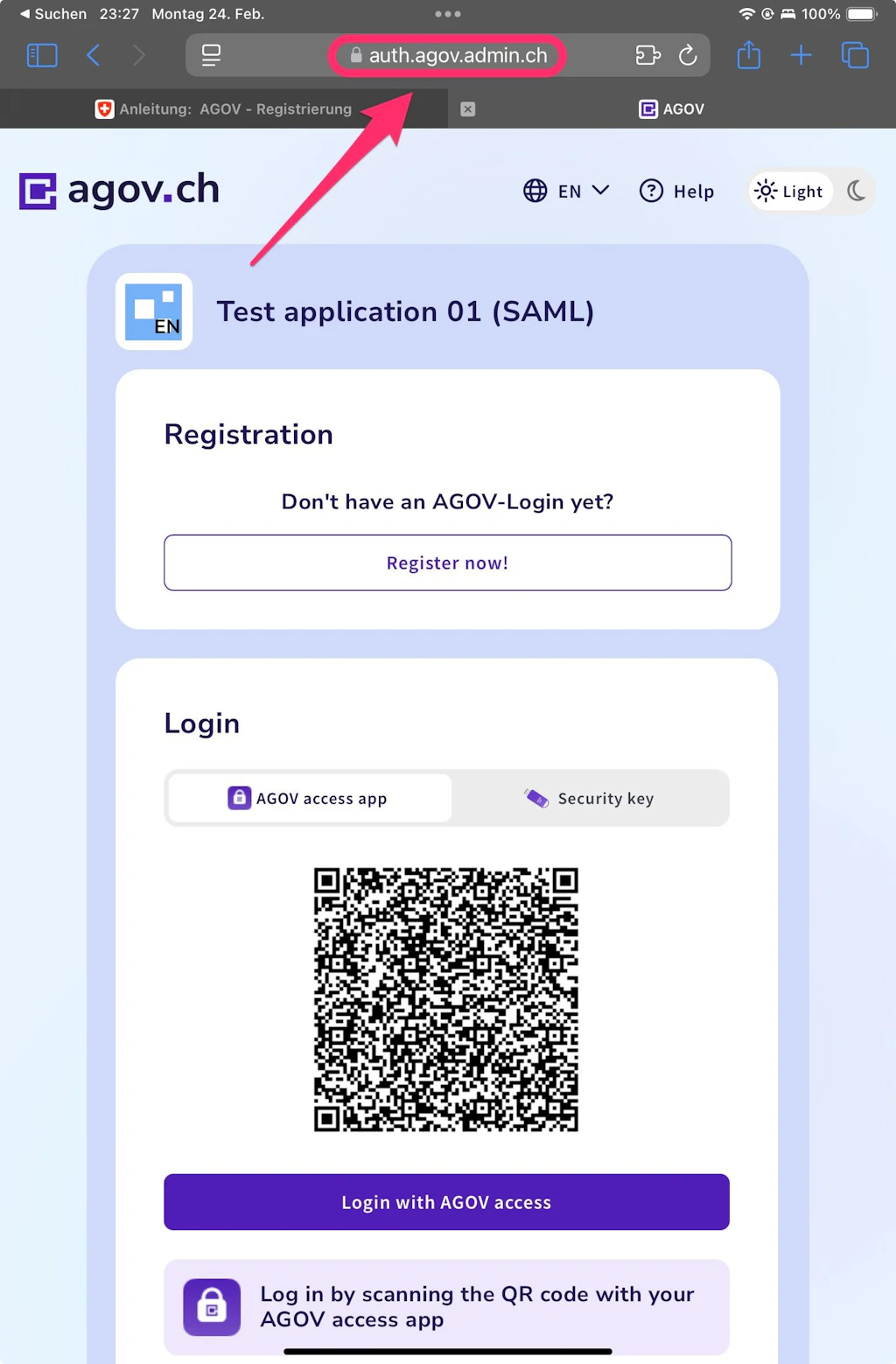
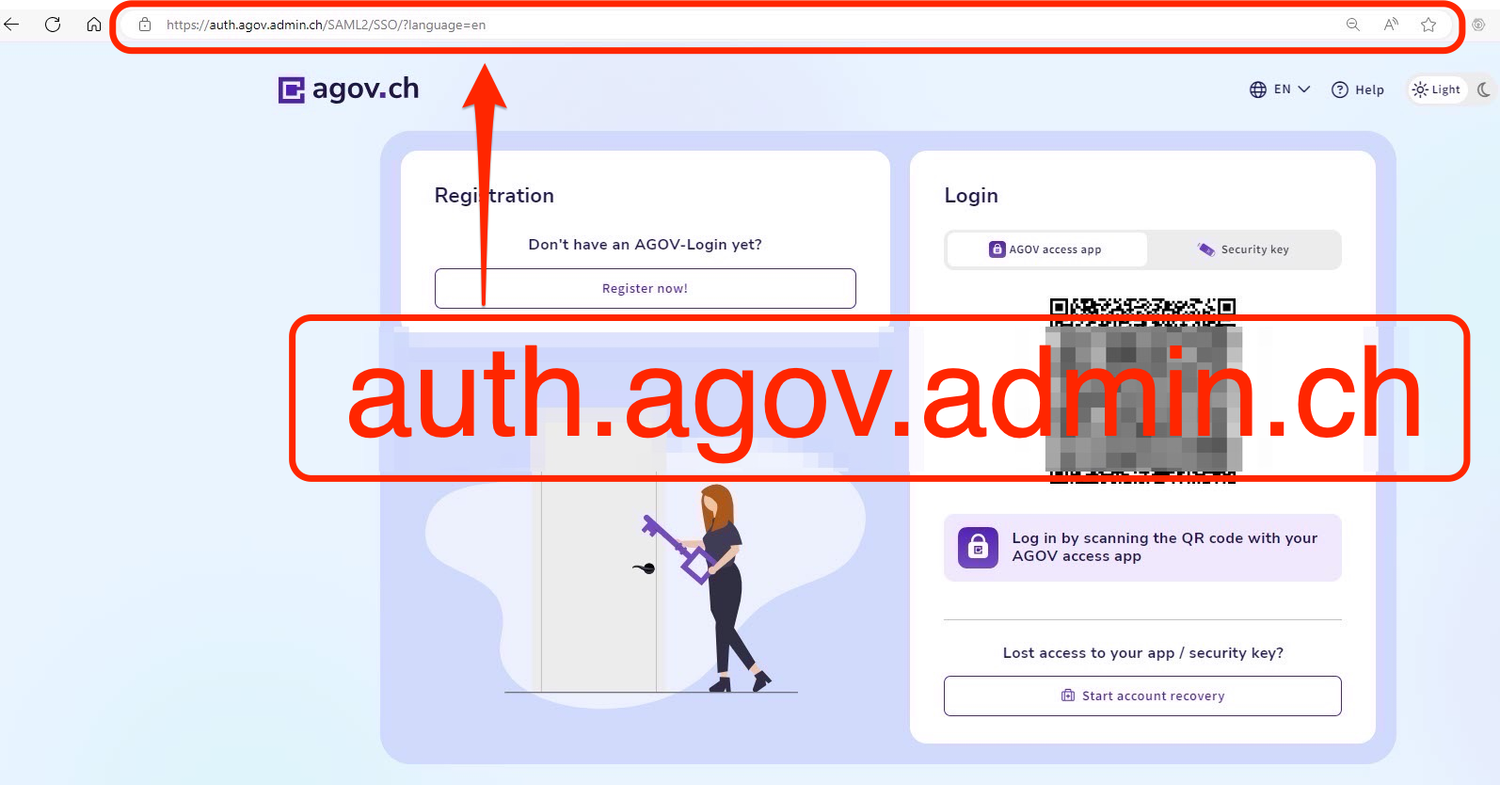
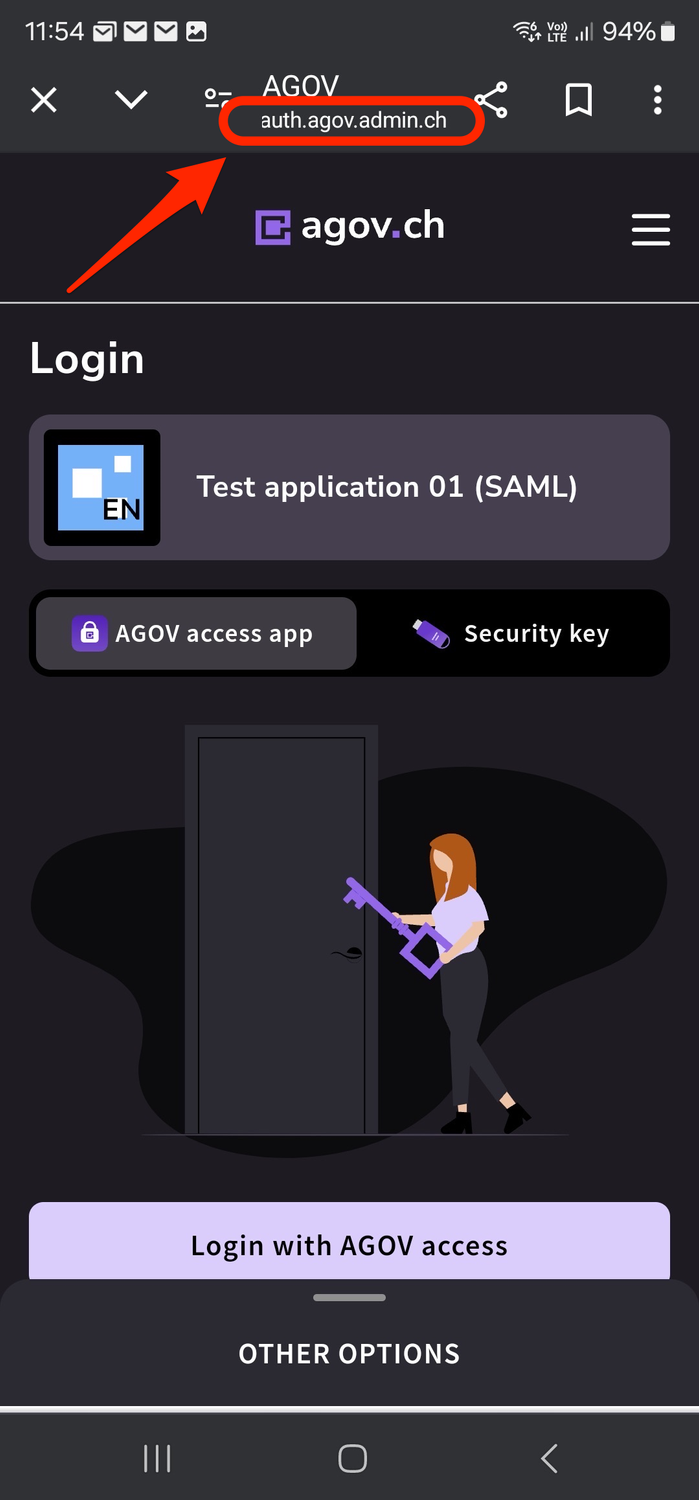
A reliable way to recognise a phishing page is by the fake address. You will see the AGOV screen once you have initiated the login process. If you see a domain other than admin.ch in the address bar, do not scan the QR code.
The address line could contain the following addresses, for example, which are somewhat similar to the correct address: